Adjustable Dual Monitor Desk Arm | INNOCN

INNOCN
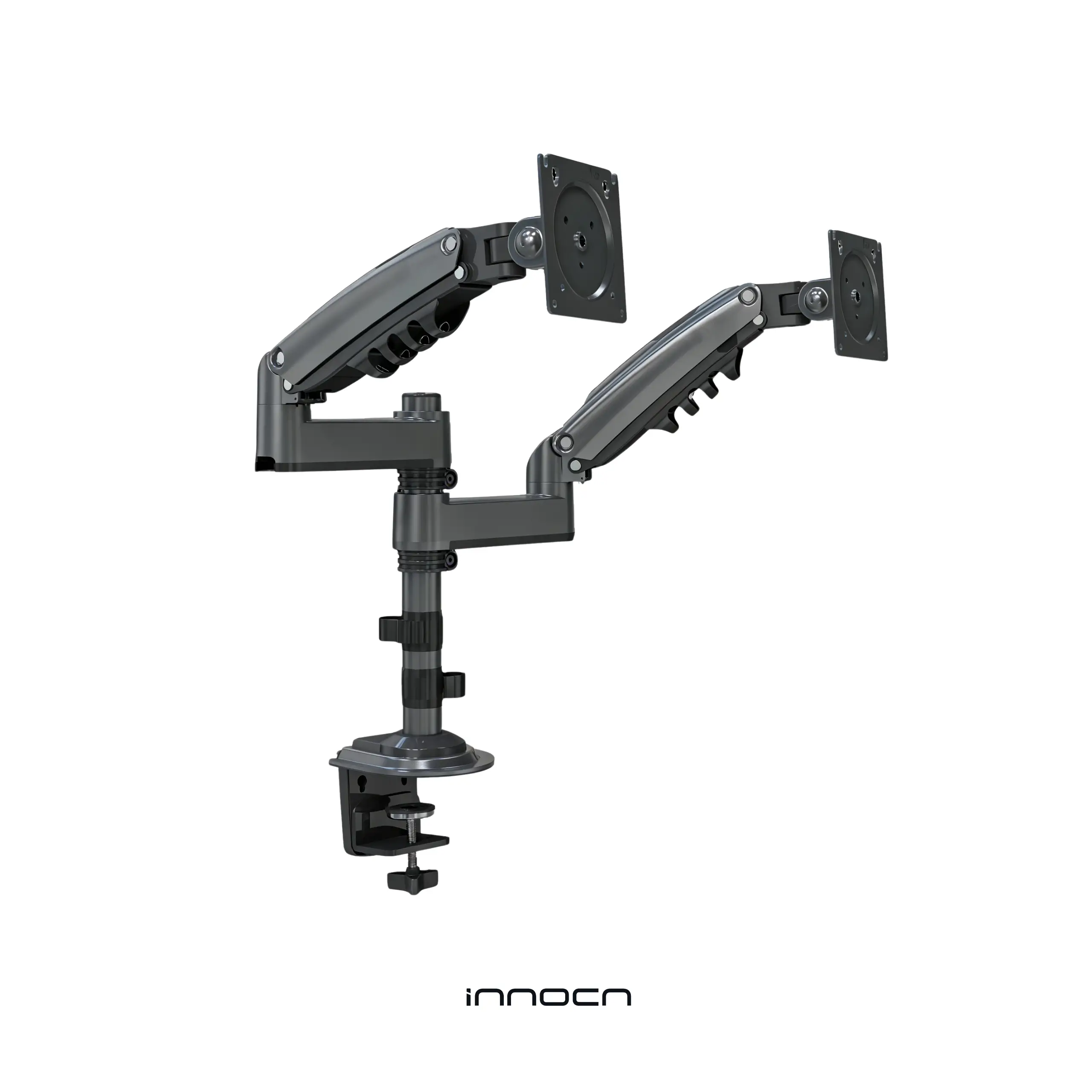
Adjustable Dual Monitor Arm


Ergonomic monitor arm
Freedom to move. Freedom to work.

To accommodate your various work situations
It transforms a once-fixed monitor, freeing it up and enabling a more flexible and efficient way for you to work.


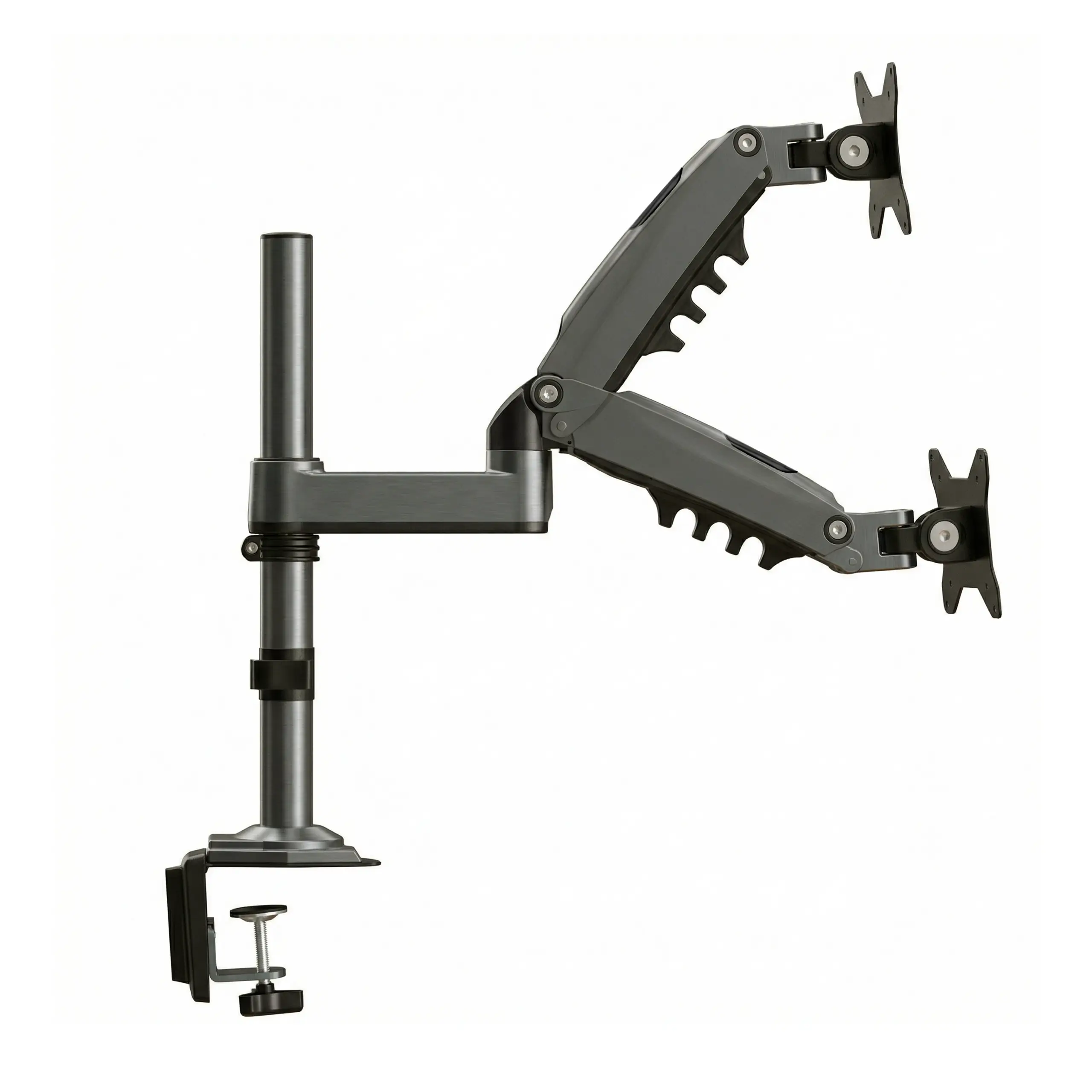
Gas-assisted lift with hovering
• 50,000+ cycle fatigue tested
While providing the driving force for lifting, it also maintains a delicate balance of mechanics. With over 50,000 cycles of fatigue testing, your smoothness remains uninterrupted.


· Based on INNOCN testing standards
You have many options to work more efficiently.
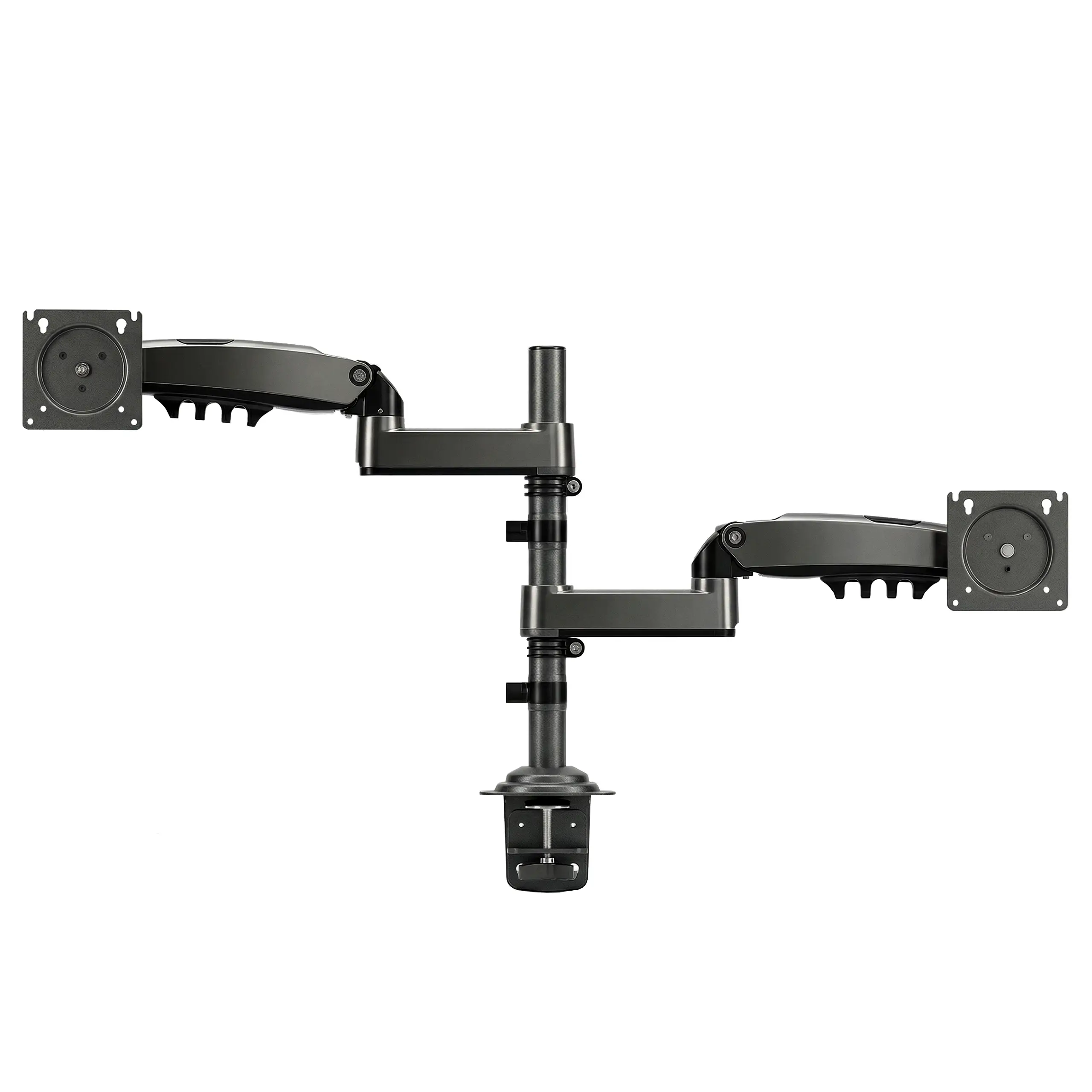
With a 530 mm wide span, work more efficiently throughout the day.

Work without limits. Move without effort.

Do and see — simultaneously.

Faster glances, faster work. Double the screens, zero delay.
Protect your cervical spine
Neck pressure increases with the angle of looking down, leading to cervical spine curvature.
In modern society, people spend more and more time using computers. A report published in the International Journal of Surgery points out that looking down places 60 pounds (approx. 27 kg) of pressure on the neck. Over time, this not only causes neck wrinkles and cervical spine curvature, but also leads to cervical spondylosis, poor vision, depression, and other issues.


An ergonomic workspace promotes better health.
Relieve spinal pressure, move in any pose.
Ease your weary body. Proven to make a difference.
 Before
 After
After
Mounting Installation Method

Clamp Installation
0.8"–3.5" (20 mm–90 mm)

Grommet Installation
0.8"–3.5" (20 mm–90 mm)


compatible with various
monitor sizes.
Product Information
Product Information
Shipping & Returns
Shipping & Returns
Adjustable Dual Monitor Desk Arm | INNOCN
Adjustable Dual Monitor Desk Arm | INNOCN
INNOCN
Adjustable Dual Monitor Arm
Ergonomic monitor arm
Freedom to move. Freedom to work.
To accommodate your various work situations
It transforms a once-fixed monitor, freeing it up and enabling a more flexible and efficient way for you to work.
Gas-assisted lift with hovering
• 50,000+ cycle fatigue tested
While providing the driving force for lifting, it also maintains a delicate balance of mechanics. With over 50,000 cycles of fatigue testing, your smoothness remains uninterrupted.
· Based on INNOCN testing standards
You have many options to work more efficiently.
With a 530 mm wide span, work more efficiently throughout the day.
Work without limits. Move without effort.
Do and see — simultaneously.
Faster glances, faster work. Double the screens, zero delay.
Protect your cervical spine
Neck pressure increases with the angle of looking down, leading to cervical spine curvature.
In modern society, people spend more and more time using computers. A report published in the International Journal of Surgery points out that looking down places 60 pounds (approx. 27 kg) of pressure on the neck. Over time, this not only causes neck wrinkles and cervical spine curvature, but also leads to cervical spondylosis, poor vision, depression, and other issues.
An ergonomic workspace promotes better health.
Relieve spinal pressure, move in any pose.
Ease your weary body. Proven to make a difference.
Before
After
Mounting Installation Method
Clamp Installation
0.8"–3.5" (20 mm–90 mm)
Grommet Installation
0.8"–3.5" (20 mm–90 mm)
compatible with various
monitor sizes.
Product Information
Product Information
Shipping & Returns
Shipping & Returns
Description
INNOCN
Adjustable Dual Monitor Arm
Ergonomic monitor arm
Freedom to move. Freedom to work.
To accommodate your various work situations
It transforms a once-fixed monitor, freeing it up and enabling a more flexible and efficient way for you to work.
Gas-assisted lift with hovering
• 50,000+ cycle fatigue tested
While providing the driving force for lifting, it also maintains a delicate balance of mechanics. With over 50,000 cycles of fatigue testing, your smoothness remains uninterrupted.
· Based on INNOCN testing standards
You have many options to work more efficiently.
With a 530 mm wide span, work more efficiently throughout the day.
Work without limits. Move without effort.
Do and see — simultaneously.
Faster glances, faster work. Double the screens, zero delay.
Protect your cervical spine
Neck pressure increases with the angle of looking down, leading to cervical spine curvature.
In modern society, people spend more and more time using computers. A report published in the International Journal of Surgery points out that looking down places 60 pounds (approx. 27 kg) of pressure on the neck. Over time, this not only causes neck wrinkles and cervical spine curvature, but also leads to cervical spondylosis, poor vision, depression, and other issues.
An ergonomic workspace promotes better health.
Relieve spinal pressure, move in any pose.
Ease your weary body. Proven to make a difference.
Before
After
Mounting Installation Method
Clamp Installation
0.8"–3.5" (20 mm–90 mm)
Grommet Installation
0.8"–3.5" (20 mm–90 mm)
compatible with various
monitor sizes.